
What this does
The Performance module is the one place for objectives and conversations. Employees set goals and OKRs with measurable key results, run 1:1s with their manager, and give and request feedback continuously. HR runs review cycles on top of all of it — the questions, the reviewer roster, the cycle lifecycle and calibration. Behind the scenes, a competency framework and a skill catalog (both in Settings) give reviews and growth conversations a shared vocabulary.
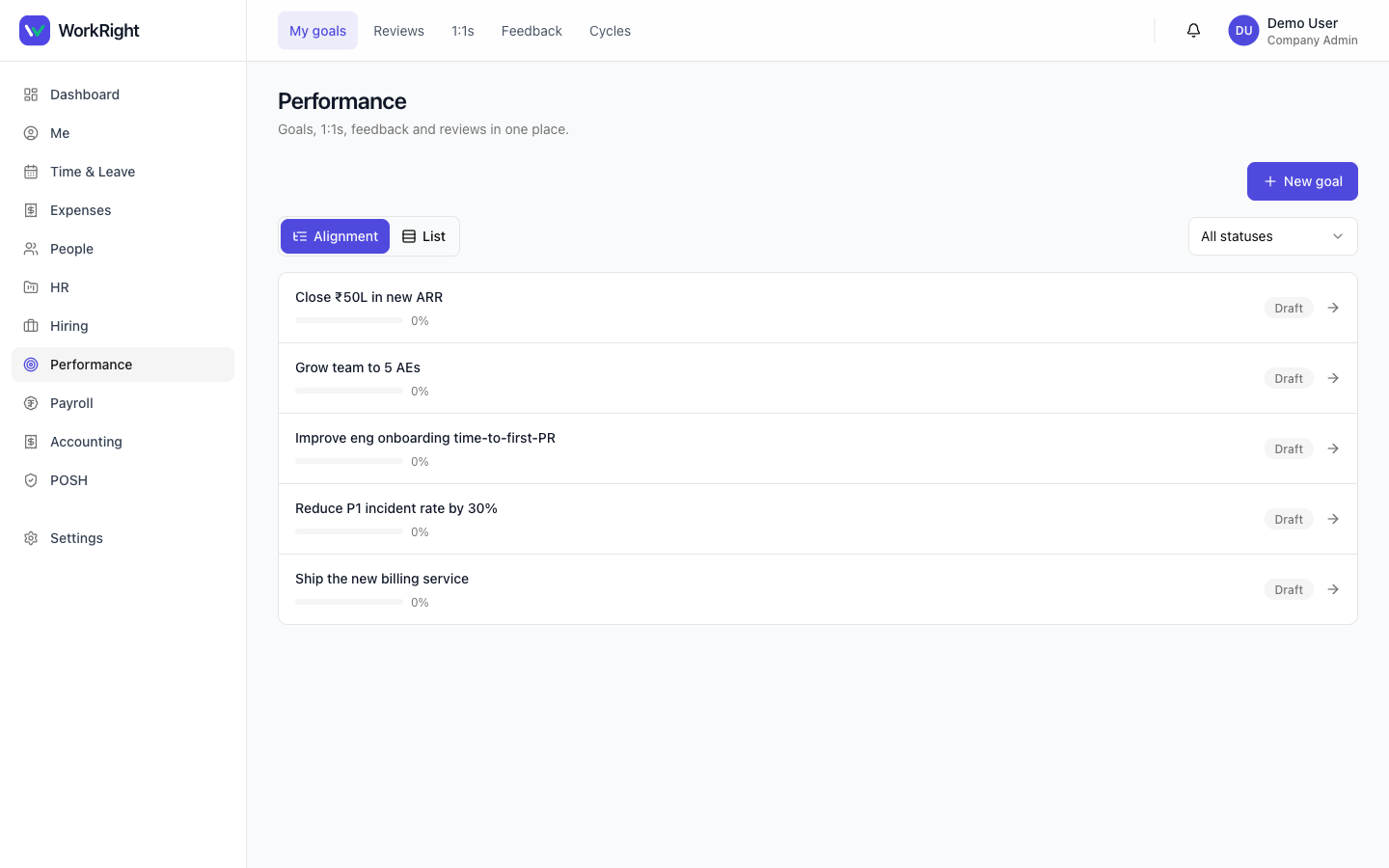 Click to enlarge
Who can do it
- Every employee: create and track their own goals, run 1:1s, and give or request feedback.
- Managers:see their reports' goals, schedule 1:1s with a report (the manager defaults to the caller), and act as reviewers in a cycle.
- HR admins (
company_adminorhr_manager): run review cycles end to end — create them, transition the state machine and close them — and manage the competency and skill catalogs in Settings. - Plan:the Performance module must be enabled on your plan. If it isn't, the menu item is hidden — see pricing.
Steps
- Open Performance in the sidebar. The hub opens on My goals.
- Click New goal to create an objective. It starts as a draft — add key results, then activate it so progress starts tracking.
- Use 1:1s to schedule a check-in with your manager or a report, and Feedback to give or request feedback across your team.
- When a review is on, HR opens the cycle from Review cycles (cycle administration). Reviewers fill in their reviews from the same cycle page, and HR moves the cycle through its stages and into calibration.
- HR sets up the shared vocabulary in Settings → Competencies and Settings → Skills (the skill catalog is seeded empty — start from a template or add as you go).
What happens next
Goals keep their draft → activehistory and key-result progress, so a review cycle has real evidence to draw on rather than memory. The cycle's state machine means everyone — employee, reviewer and HR — sees the same stage, and calibration brings the results together at the end. 1:1 notes and continuous feedback build up over the year, so reviews are a summary of what already happened, not a surprise.
Related
- Add or onboard an employee — set the reporting line so managers see the right goals and 1:1s.
- Pricing — check which plan includes Performance.