
What this does
The sales workflow has three documents. A quoteis a price you offer a customer; it's a state-machine document with no effect on your books until it becomes an invoice. An invoice is a bill you send a customer — when you send it, WorkRight posts a journal entry to your ledger. A receipt records the money the customer actually pays and allocates it against one or more open invoices. Everything carries GST, derived from your items and contacts.
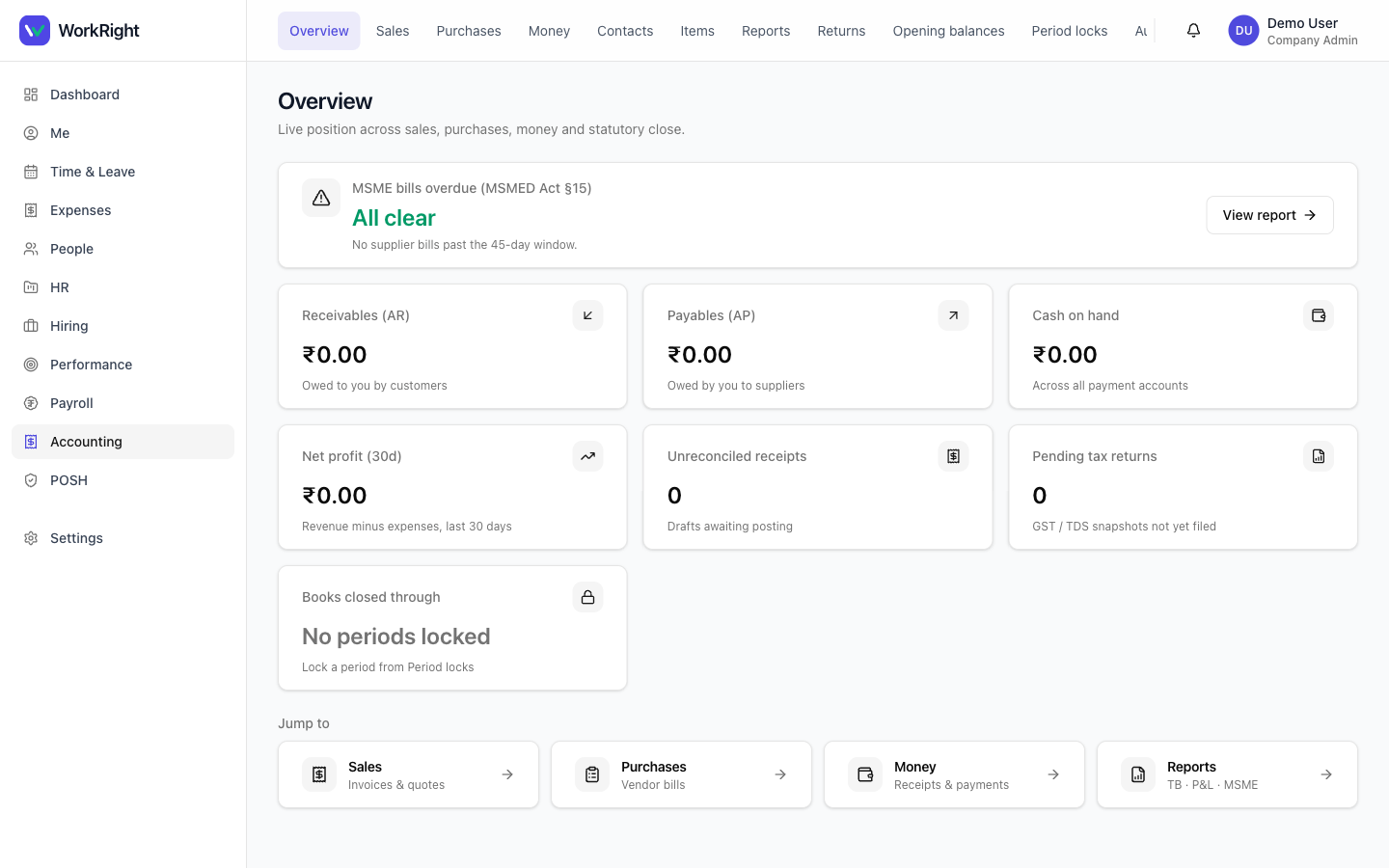 Click to enlarge
Who can do it
- Role: someone with the accounting role — your
accountant(CA or bookkeeper),hr_managerorcompany_admin. Regular employees don't see the books. - Plan:the Accounting module must be enabled on your plan. If it isn't, the section is hidden — see pricing.
Before you start — contacts & items
Set these up once so every document fills itself in. Under Accounting → Contacts, add your customers (the kind can be customer, vendor, employee or other) with their GSTIN, PAN, state code and, if relevant, Udyam (MSME) number. Under Accounting → Items, add the goods or services you sell with a code, HSN/SAC and a default tax rate — so the right GST rate lands on each line automatically.
Steps — quote to invoice to receipt
- Open Accounting → Sales. Use the Invoices and Quotes tabs, each with filters by status, customer and date.
- New quote — pick the customer, set a valid-until date, and add line items (description, item, quantity, unit price, tax rate). Save draft, or save & send to mark it sent. From the quote you can accept, decline or convert it to an invoice.
- New invoice — pick the customer, set the date and due date, and add line items. Save & send posts the invoice to your ledger.
- When the customer pays, open Money → Receipts and New receipt. Pick the customer and the wallet the money landed in, enter the amount, then allocate it across their open invoices and post it.
What you can and can't edit
A draft invoice or quote is fully editable. Once you send an invoice it posts to the ledger and becomes read-only — a posted entry is part of your books of account, which are kept immutable under Companies Act 2013 §128(1). If something's wrong on a sent invoice, you correct it with a fresh document (for example a new invoice or a credit), not by editing the original.
Tips
- Fill in a contact's state code— it's what decides whether a line is inter-state (IGST) or intra-state (CGST + SGST).
- Set a default tax rate on each item so you stop re-typing GST on every line.
- Use the receipts list filters (status, customer, date) and the include void toggle to find a specific payment fast.
- Send the quote first and convert it — you keep one clean trail from offer to invoice to payment.
Related
- Bills, vendor payments & purchases — the buying side of your books.
- Books, GST/TDS, period locks & reports — chart of accounts, returns and the reports your CA needs.
- Accounting software for India — what the module covers.