
What this does
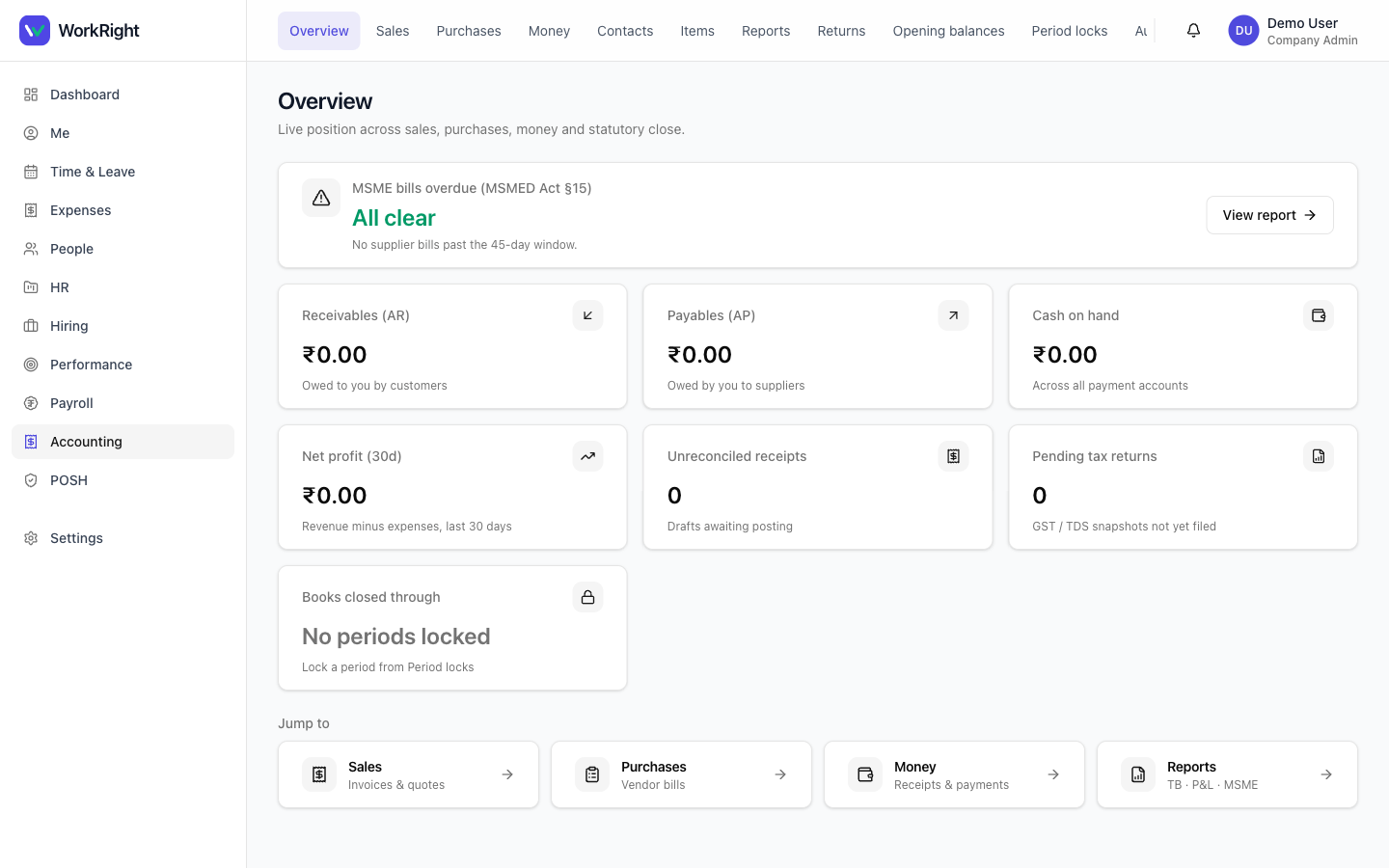
A bill is what a vendor charges you. A payment is the money you send them, applied to one or more open bills — it mirrors the customer receipt, but in the other direction. Payments support TDS withholding, so you can record tax deducted at source on the spot. The Money hub pulls your wallets (bank/cash accounts) and recent receipts and payments together in one place.
 Click to enlarge
Who can do it
- Role: someone with the accounting role — your
accountant(CA or bookkeeper),hr_managerorcompany_admin. - Plan:the Accounting module must be enabled on your plan. If it isn't, the section is hidden — see pricing.
- Vendors first: add the supplier as a contact (kind vendor) with their GSTIN, PAN and — if they're an MSME — their Udyam number, so the 45-day clock applies.
Steps — record & receive a bill
- Open Accounting → Purchases and click New bill.
- Pick the vendor, set the dates and add line items. Save draft to keep working, or save & receive to post it to your ledger.
- Open a bill to see its detail. From here you can edit (while it's a draft), receive it, or cancelit, depending on its state. A bill that's past the MSME window shows an overdue banner.
Steps — pay a vendor
- Open Money → Payments and click New payment.
- Pick the vendor and the wallet the money leaves, enter the amount, and record any TDS withheld. Apply the payment to the open bills it clears, then save.
- Manage your bank and cash accounts from the Money hub — New wallet opens an inline dialog, and recent receipts and payments are listed with view all links.
What you can and can't edit
A draft bill is editable. Once you receive it, it posts to the ledger and becomes part of your books of account, kept immutable under Companies Act 2013 §128(1). Corrections to a received bill are made with a fresh entry, not by editing the original — the same discipline as on the sales side.
Tips
- Add a vendor's Udyam number so MSME bills show up on the overdue report before they cross 45 days.
- Record TDS at payment timeso your quarterly TDS return and the vendor's books agree.
- Use the Money hub as your daily landing spot — it shows wallets and the latest receipts and payments together.
Related
- Invoices, quotes & customer receipts — the selling side of your books.
- Books, GST/TDS, period locks & reports — the MSME-overdue report, returns and period locks.
- Accounting software for India — what the module covers.